Step 01
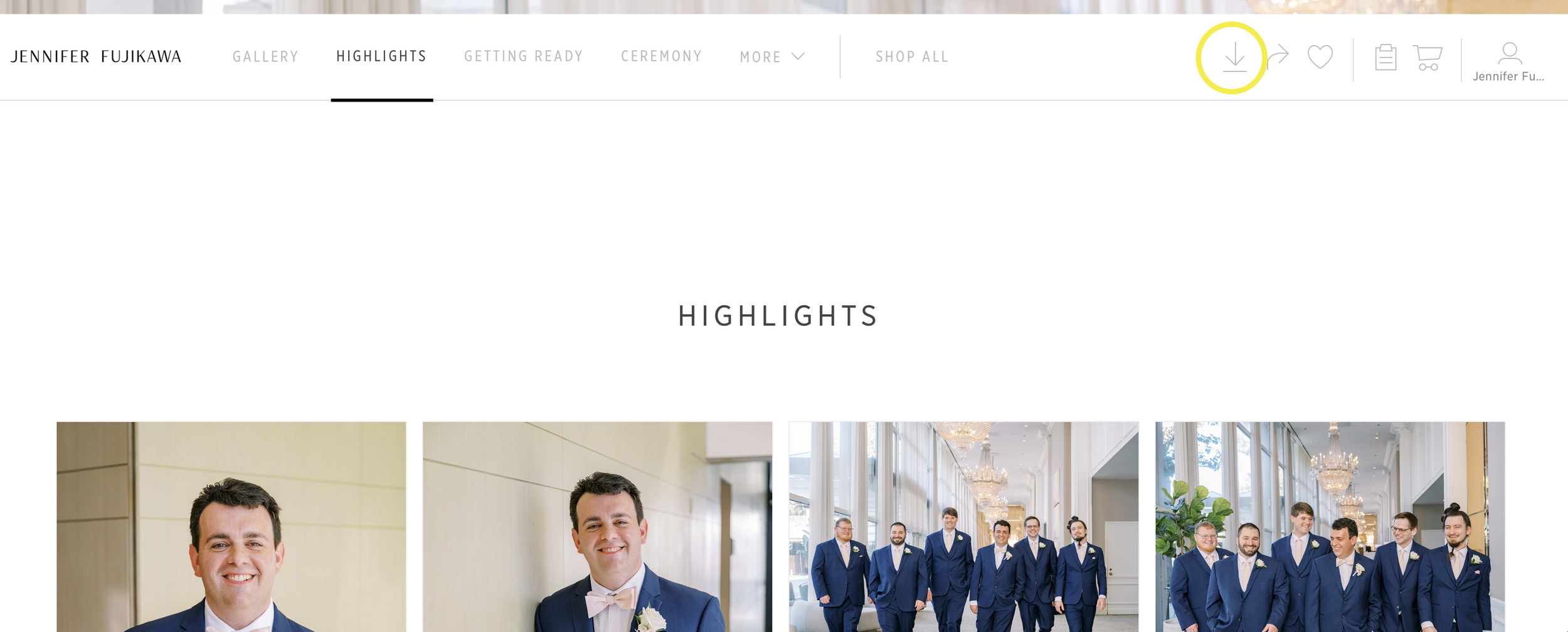
On the top right of the gallery screen you’ll see a downward pointing arrow - which is the download icon. Click this icon.
Step 02
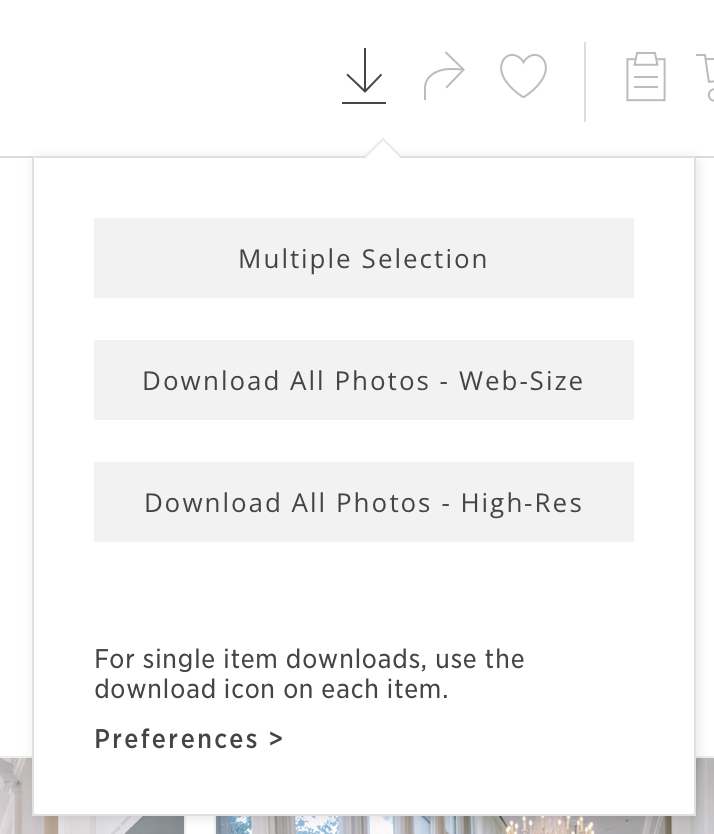
On the next window, you’ll have the option to download either web-sized files or high-resolution files. Web-sized files are great for sharing images online or email. High-resolution files should be used for printing and any other keepsakes.
Step 03
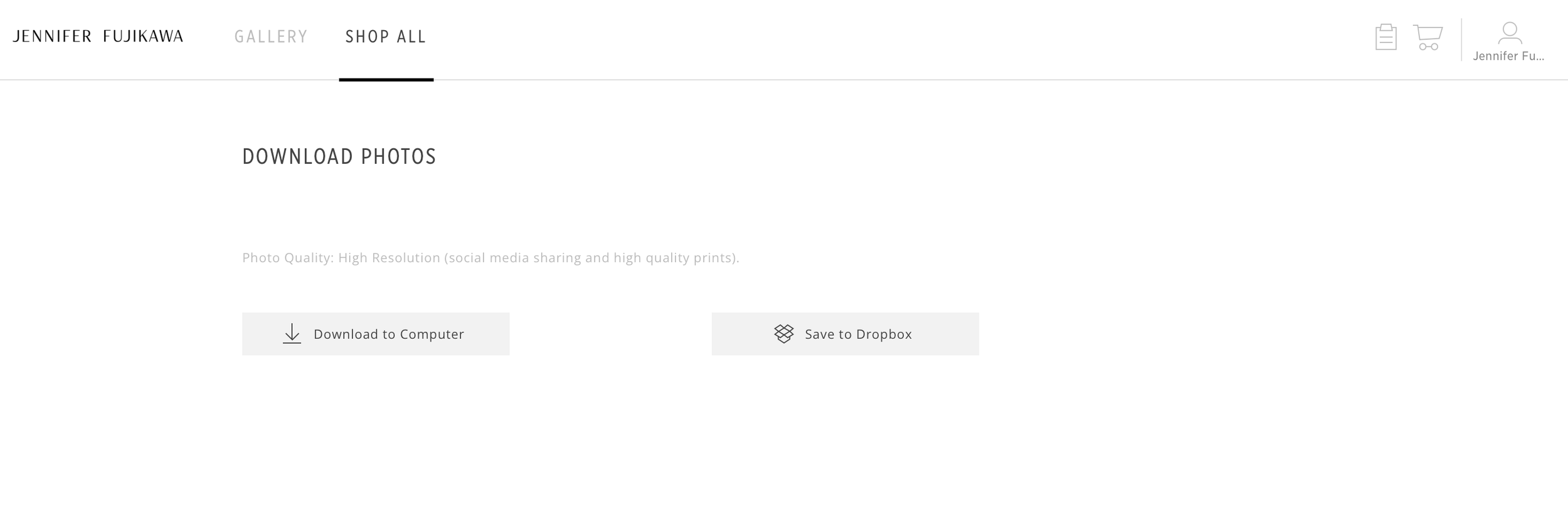
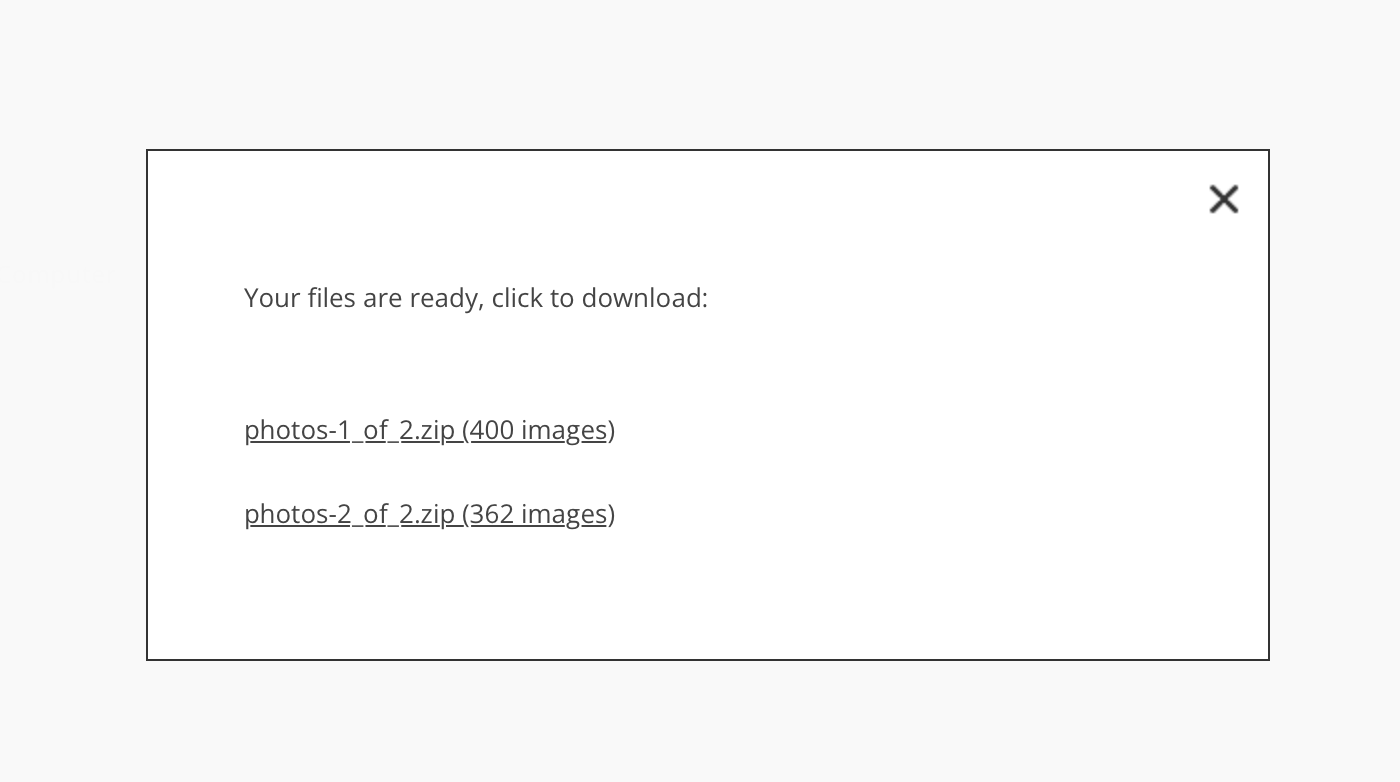
Once you make your selection, on the next window you’ll choose where to save your photos.